File compression for iPhone
Smaller files.Less fuss.
Make room for the things you want to keep. Compress photos, videos, PDFs and more — entirely on your iPhone.
01 / What it handles
Whatever is taking up room.
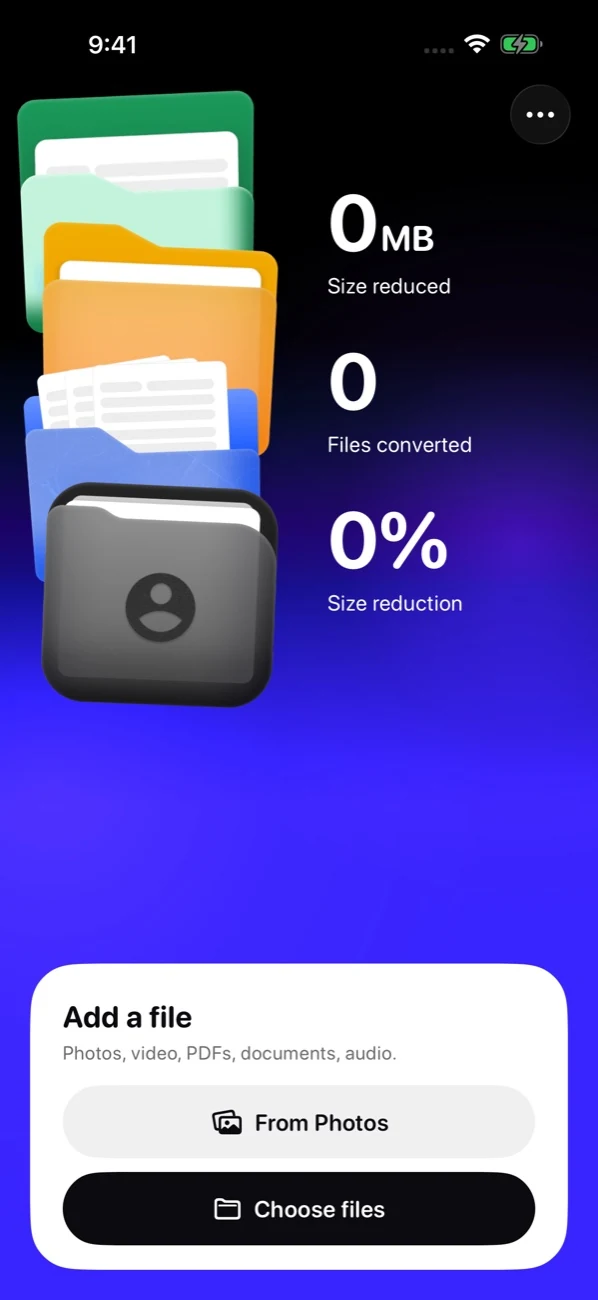
Pick one file or a whole batch. MakeSmall handles the everyday things that quietly fill your phone.
- 01
Photos
Keep the picture. Lose the extra weight.
- 02
Videos
Long clips with a smaller footprint.
- 03
PDFs
Documents that are easier to send.
- 04
Audio
More listening. Less storage.
- 05
Documents
Make everyday files travel lighter.
- 06
Folders
Handle compatible files in a batch.
02 / How it works
Choose. Compress. Carry on.
Three uncomplicated steps. No menus to learn and no cloud queue to wait for.
03 / Privacy
Your files stay put.
Compression happens on your iPhone. Your files never take a trip to our servers because there are no file servers to visit.
Read the privacy policy- Processing
- On device
- File uploads
- Zero
- Account required
- Nope
- Your originals
- Untouched
01Where can I get MakeSmall?
MakeSmall is free on the App Store and runs on iPhones with iOS 18 or later. Download it from the App Store.
02Will every file get smaller?
Some files are already efficiently compressed. If an output would be larger, MakeSmall keeps the original and marks it unchanged. The saving depends on your file and settings.
03What happens to my originals?
Save and Share create copies. Photos originals stay untouched. Eligible Files originals can only be replaced through a separate action that asks for your confirmation.
04Where do my smaller files go?
Finished copies are in Files → On My iPhone → MakeSmall → Compressed. You can also save or share them elsewhere. Export anything you want to keep before deleting the app.
Make room for what matters.
Your storage called.It wants a little space.
MakeSmall is out now for iPhone. It’s free.
Download on the App Store